Just you
Side gig, shop floor, a day you want to remember. Clock in for yourself. Nobody is watching. Your week is your week.
A simple time clock
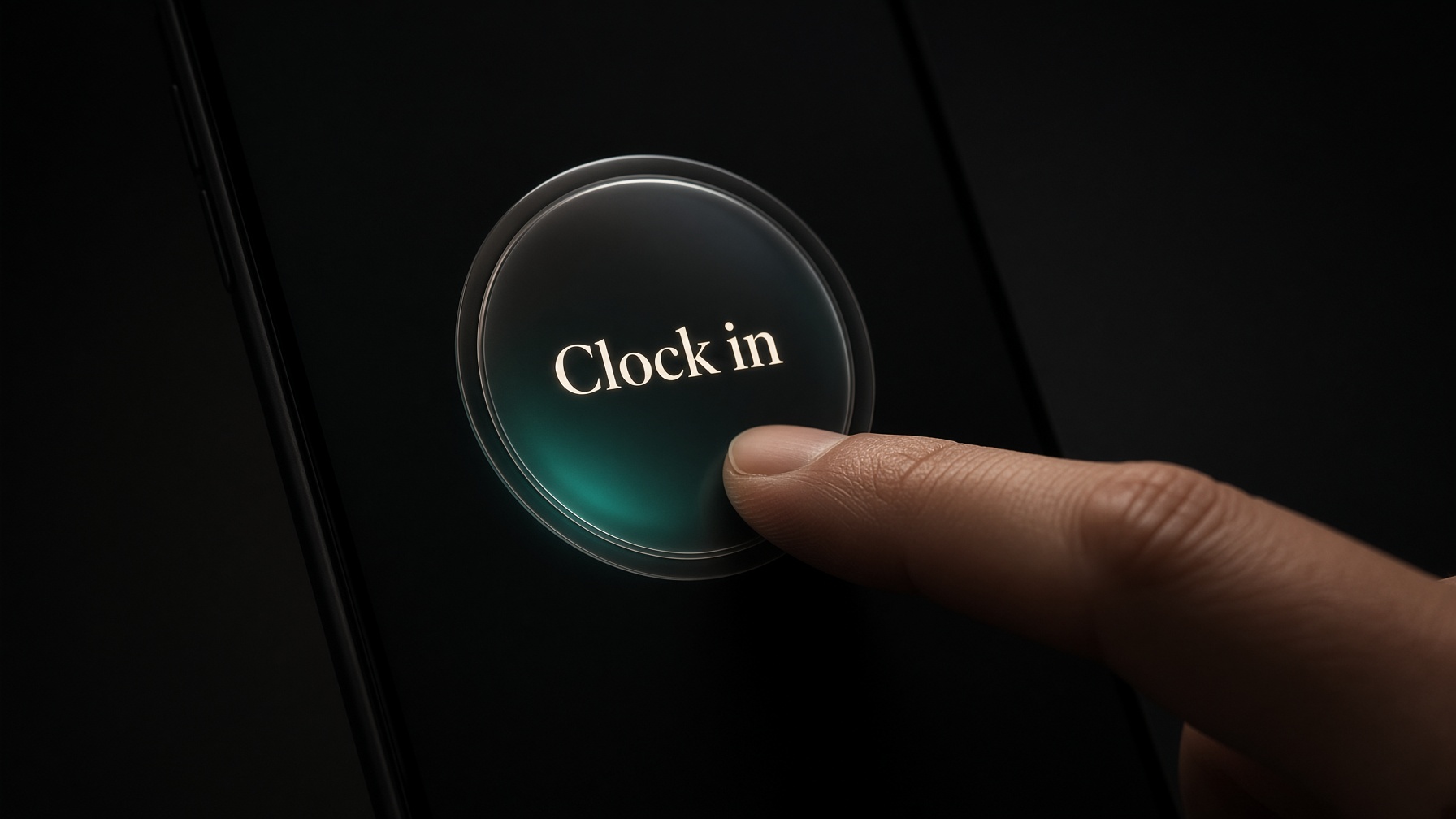
Press and hold
No account. Hours stay on this phone until you want them saved. Personal includes a team of Admin + 5 members.
The whole process
01
Clock in, lunch, clock out. Same button. About a second.
02
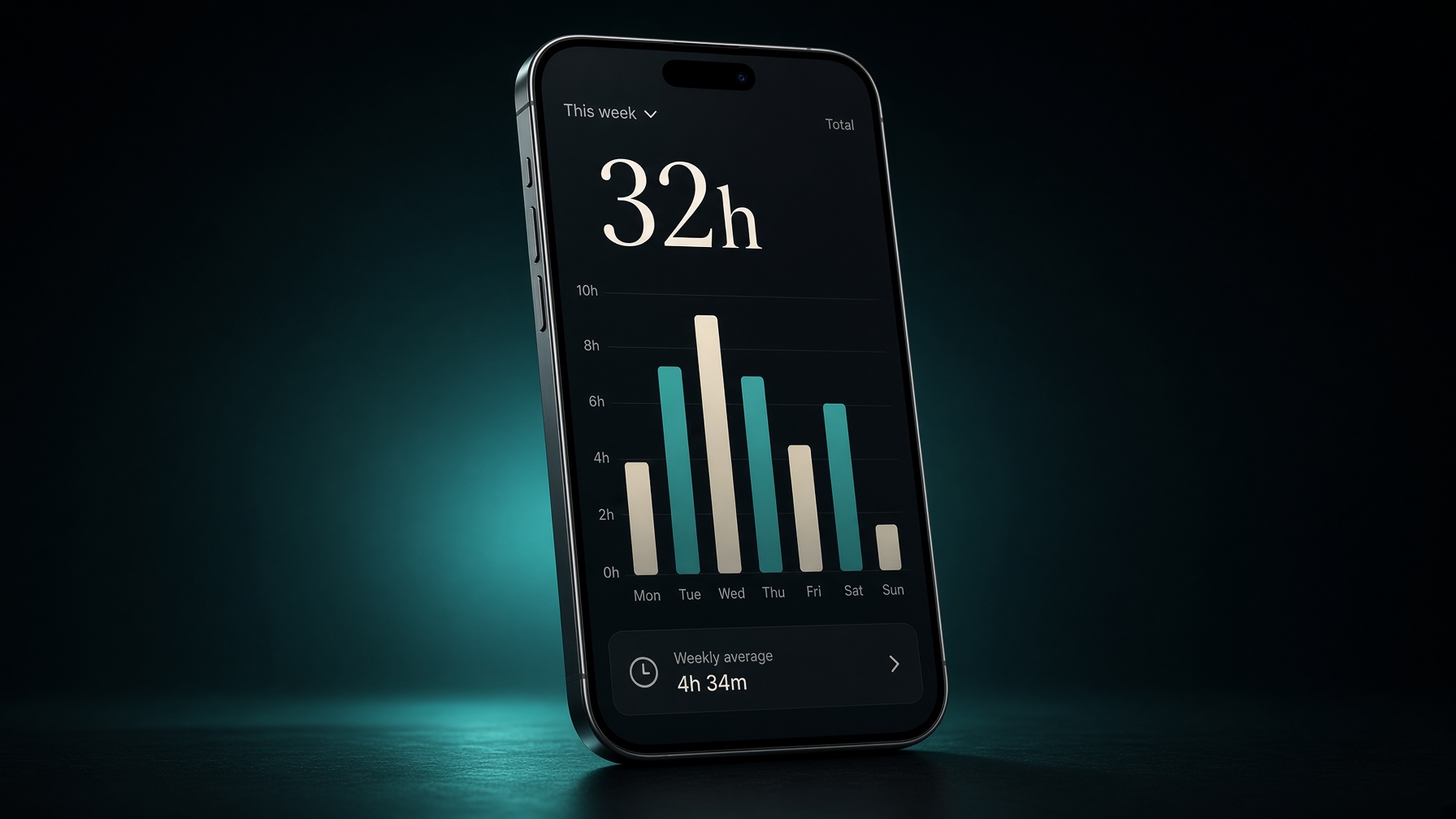
Bars for the days you showed up. Open a day. Export later if you need a file.
03
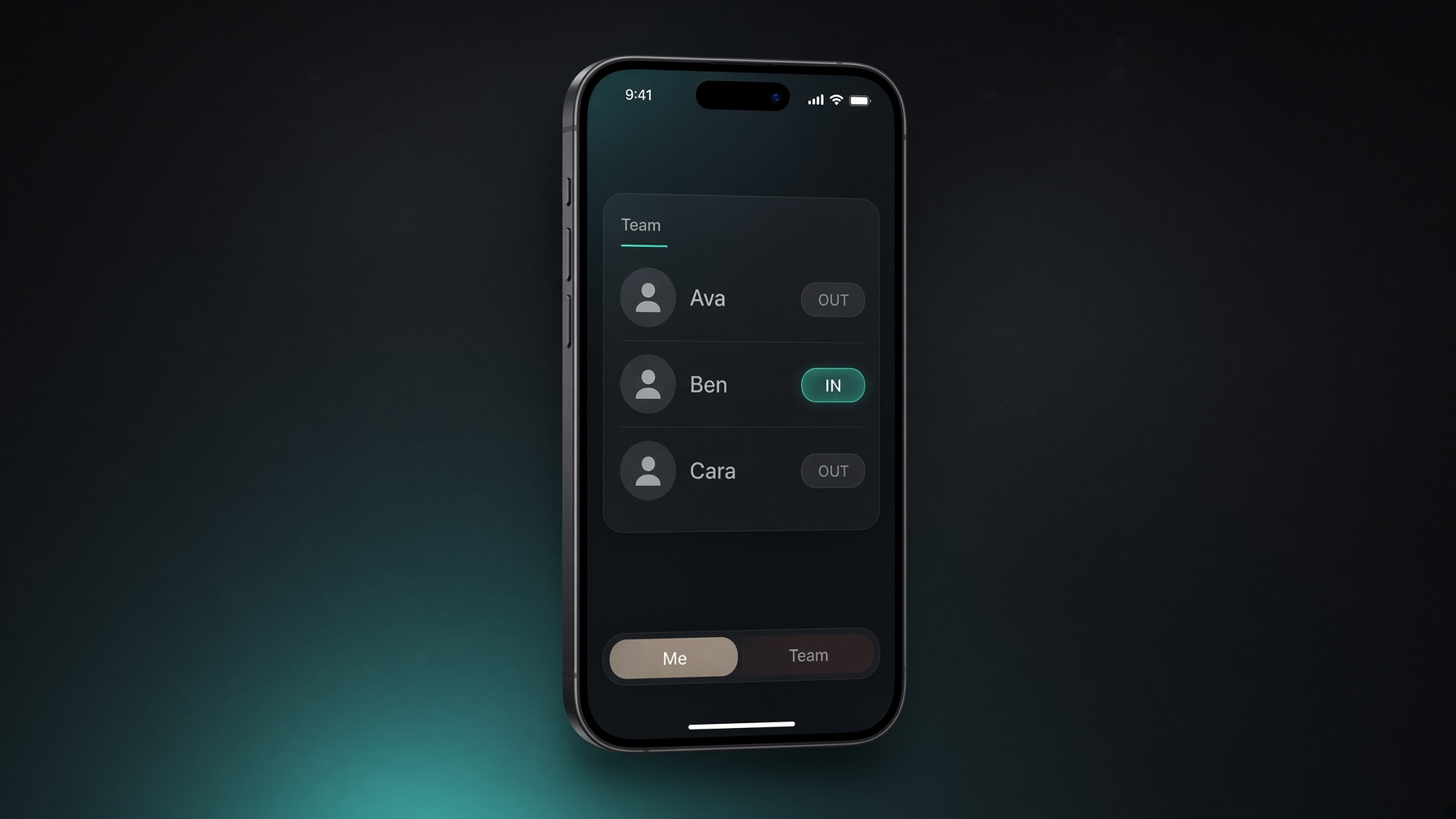
Personal hours stay yours. When you want a roster, invite people. They never see each other.
How people use it
Side gig, shop floor, a day you want to remember. Clock in for yourself. Nobody is watching. Your week is your week.
Café, site, family shop. They clock in on their own phone. You see who was on, and for how long. They never see anyone else.
Leave a team, or get removed. Your hours stay yours to revisit and download. The admin still sees the time you already worked.
When you're ready
They keep their own login. You see the roster. Switching Me and Team is one control at the bottom of every screen.
Get the app
The same hold to clock in. Stores are on the way. A direct Android install is here when we turn it on.
On the way
More doors around it. Same hold, same week, same quiet team.
Coming
Kronicool on iPhone and Android — the same press-and-hold.
Coming
Team is $39 a month for 15 people. Team+ is $79 for 40 people and extra workplaces.
Coming
Optional: only clock in near work. Off unless you turn it on.
Core experience will not get noisier. Features grow around the hold, not over it.
Pricing
Personal
Free
Always included
Team
$39 / mo
Everything in Personal
Team+
$79 / mo
Everything in Team
Personal includes a team of Admin + 5 members, payroll included. Team is $39 a month for 15 people. Team+ is $79 for 40 people and extra workplaces.
Full pricingQuestions